1. The plan detail that matters before you buy
A camera feeder is a hardware-and-service decision. Before checkout, confirm which features work out of the box, which features need an optional plan, and whether the storage setup matches the way you expect to use the camera.
The details that shape day-to-day satisfaction are usually AI species ID, individual-bird ID, cloud clip storage, extended video history, and local-storage support. The product page and brand plan page are the current source of truth for all of them.

2. What to check on every plan page
Before deciding, check what each plan actually includes. Paid plans can add some combination of:
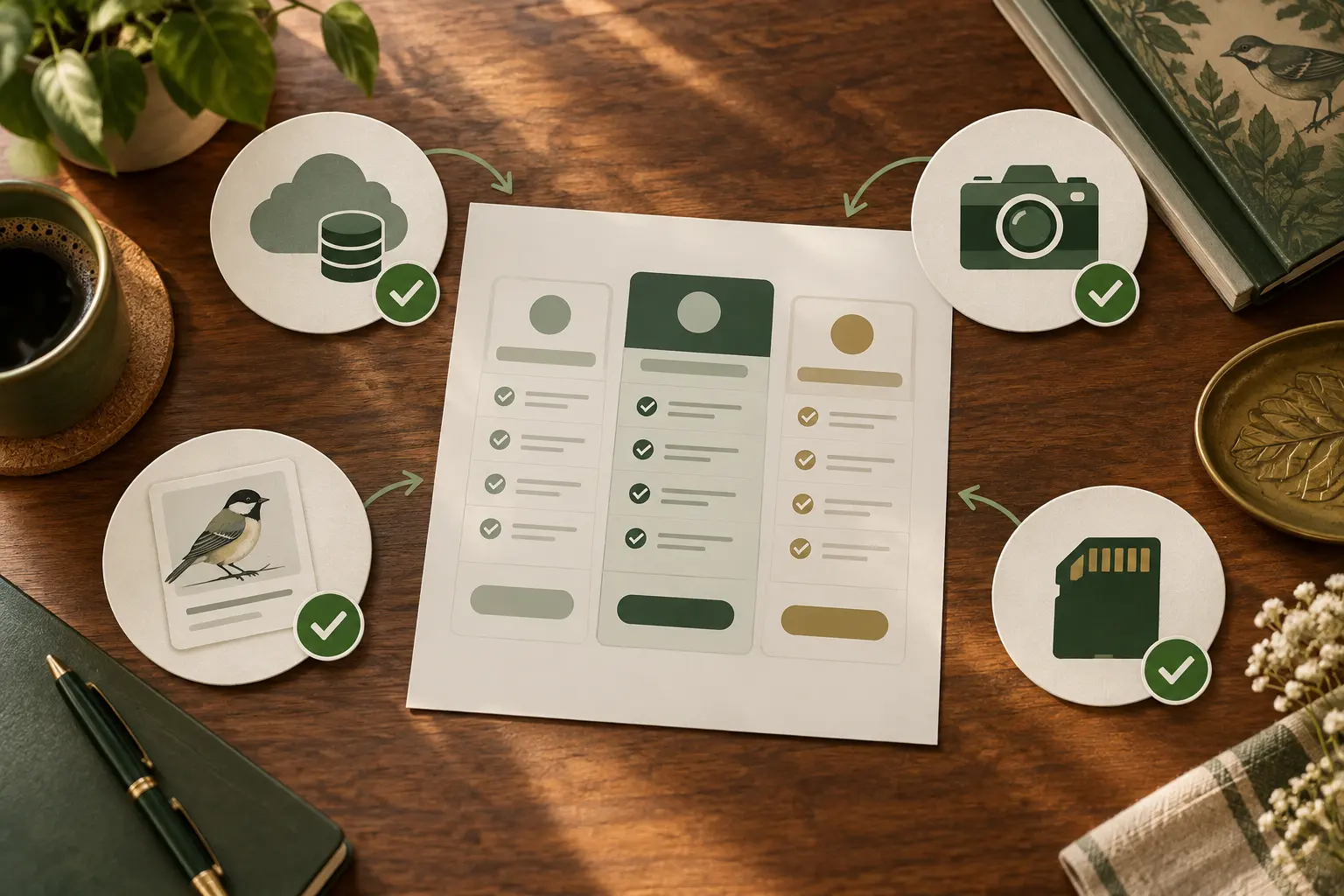
- Cloud storage for photos and clips beyond a short rolling window.
- Extended video history beyond the default clip window.
- AI features — species ID, individual-bird ID, and the illness-detection app feature on tier 2.
- Sharable highlight reels and the more polished app export options.
Free tiers can keep live view, motion notifications, and a short clip history, but the exact boundaries differ by model and plan. Read the current terms before buying rather than relying on a static summary.
3. Tier 1 — first setup: Harymor
For a first setup, confirm whether the current configuration includes the live-view, AI, and cloud-history features you want. If you only need the core camera experience, do not pay for optional features you do not plan to use.

4. Tier 2 — photo-first: Bird Buddy
For a photo-first setup, verify which image, identification, and history features come with the exact model and which require an optional plan. The right choice depends on whether you will use those features often enough to value them.
5. Tier 3 — versatility: Birdfy
For a versatility-focused setup, compare the current local-storage, cloud-history, and optional AI choices for the exact configuration. If you prefer local storage, confirm card support and recording behavior in the manual before you buy.
6. The decision table
Use this as a final pre-check before checkout. The linked product and brand pages carry the current terms; this table tells you what to look for there.
| Brand | Core question | Feature to confirm | Decision rule |
|---|---|---|---|
| Harymor (tier 1) | Which features work without an optional plan? | Live view, AI ID, cloud clip history | Choose it if the current included feature set covers your first-setup needs. |
| Bird Buddy Premium (tier 2) | Which photo and identification features are included? | Photo history, AI ID, app features | Choose it if photo-and-app features are your priority and the current plan fits how you will use it. |
| Birdfy (tier 3) | What are the current local-storage and cloud-history choices? | SD-card support, recording behavior, optional AI features | Choose it if view, video, and storage flexibility are priorities. |
The decision rule: do not compare hardware alone. Compare the current included features, optional-plan terms, and storage choices for the configuration you are actually considering. Then return to the comparison page and choose the tier that matches your priority.
7. Living without a subscription
The honest answer to the question “do I have to pay a monthly fee?” is: it depends on the exact model and plan. Check these points before you decide.

- Birdfy (tier 3): check the exact model’s local-storage support, recording behavior, cloud history, and AI-feature terms.
- Bird Buddy (tier 2): check which identification, health-monitoring, and cloud-history features are included with the current model and plan.
- Harymor (tier 1): check the current live-view, AI species-ID, and cloud-history terms before checkout.
A few practical notes that travel with the no-subscription option, regardless of brand:
- SD card size. Choose a card capacity that matches the camera’s supported format and your desired clip history; for example, see the SanDisk Extreme PRO on Amazon (checked 2026-08-23). Confirm compatibility in the feeder manual before you buy, then expect the camera to overwrite the oldest footage when its card fills.
- Notification hygiene. Without the cloud polish, the motion notifications get noisy. Most apps let you set a sensitivity window or a quiet-hours schedule; turn both on the day you mount the feeder.
- Free-tier limits. Live view, motion alerts, and a short clip history are the typical free-tier set. The exact limits vary by brand and by firmware version; check the brand’s pricing page on the day you set up.
8. What AI bird-ID actually does
Across the three brands, the AI bird-ID feature does roughly the same job: it looks at the photo, proposes a species, and (on the photo-first tier) proposes a name for the individual bird. The accuracy varies with lighting, with the angle of the bird, and with how common the species is in your area. On a clear, well-lit shot of a cardinal on a perch, the accuracy is high. On a backlit shot of a small bird half-hidden by a feeder port, the accuracy drops, and the app will sometimes propose the wrong species with a lot of confidence. That is normal and it is not a feeder problem.
The illness-detection feature on the photo-first tier is a tool for flagging changes in a known bird’s appearance over time, not a diagnosis. The app’s own wording on this is cautious, and so is the wording on this page. If a bird at your feeder looks injured or unwell, the right next step is a licensed wildlife rehabilitator, not a camera-feeder app.
Hypothesis on accuracy: the published accuracy figures for AI species ID on camera feeders vary widely and are not always labeled with the dataset or the lighting conditions. The 2026 roundup consensus treats species ID as a useful but not infallible feature, and treats individual-bird ID as a feature that gets better the longer a feeder is in one place with regular visitors. The page reports that as a hypothesis, not a measurement.
9. Limits of this page
The limits belong on the page, not in a footnote. Here is what this resource is and is not.
- Current terms control. Subscription features, prices, and availability can change. Check the current product and brand plan pages before you buy.
- Free-tier limits vary. The free-tier features described above are the 2026 roundup consensus, not a single brand’s spec sheet. Check the brand’s pricing page on the day you set up.
- AI accuracy is a hypothesis, not a measurement. The published accuracy figures for AI species ID vary widely and are not always labeled with the dataset or the lighting conditions. The page reports the roundup consensus as a hypothesis, not a measured rate.
- No income claims. Affiliate commissions are a transparent revenue source, not a reason this page exists.
The rule that travels with all of it: confirm the current terms before you buy. Choose the tier whose included features, optional-plan terms, and storage choices fit the way you plan to use the feeder. For the side-by-side on the three tiers, use the comparison page. For the broader setup picture, start with the flagship guide.